2. Click on the Freehand tool (
 )
and click in the tool options to "Point to Point".
)
and click in the tool options to "Point to Point".Some people use "Freehand" but I prefer "Point to Point".. It comes out straighter.
3. start moving slowly around your person/object very slowly...
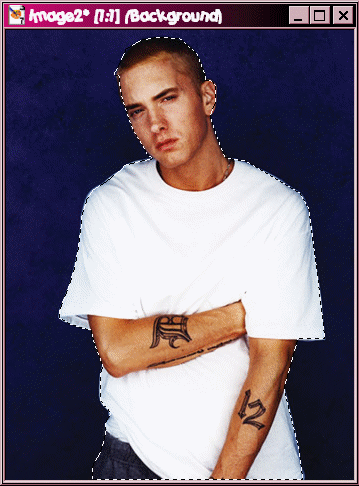
4. When you reached the end, right click on it and it should look like the image above.
5. *ONE WAY* Press CTRL + C and then CTRL + P and there you go!
6. *ANOTHER WAY* Go to Selections >> Invert and your image show come out like this:
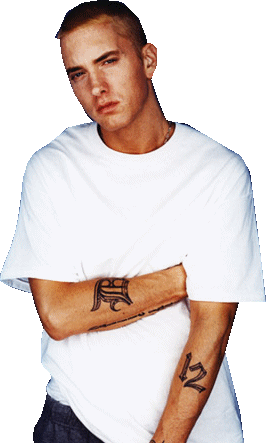 << Animation
Shop did not make the edges smooth.. But it looks different ;D
<< Animation
Shop did not make the edges smooth.. But it looks different ;D